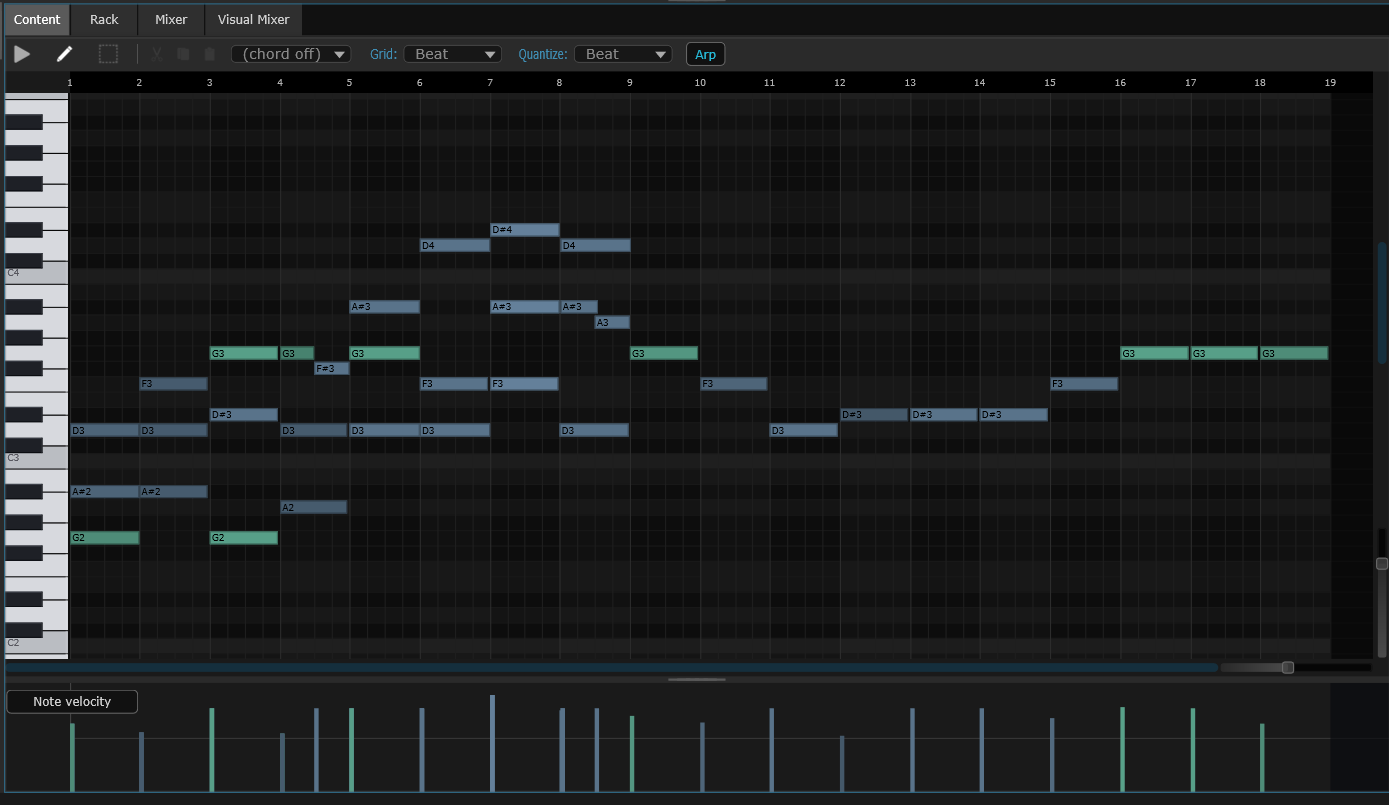
Note editor
Write and edit notes.
Draw notes on a piano-style grid, choose how loud each one is, and let the editor highlight the right scale. Type with your computer keyboard if you don't have a piano controller.
Everything you need to make a song — instruments, drums, effects, recording and mixing — in one app. Free. No account, no subscription.
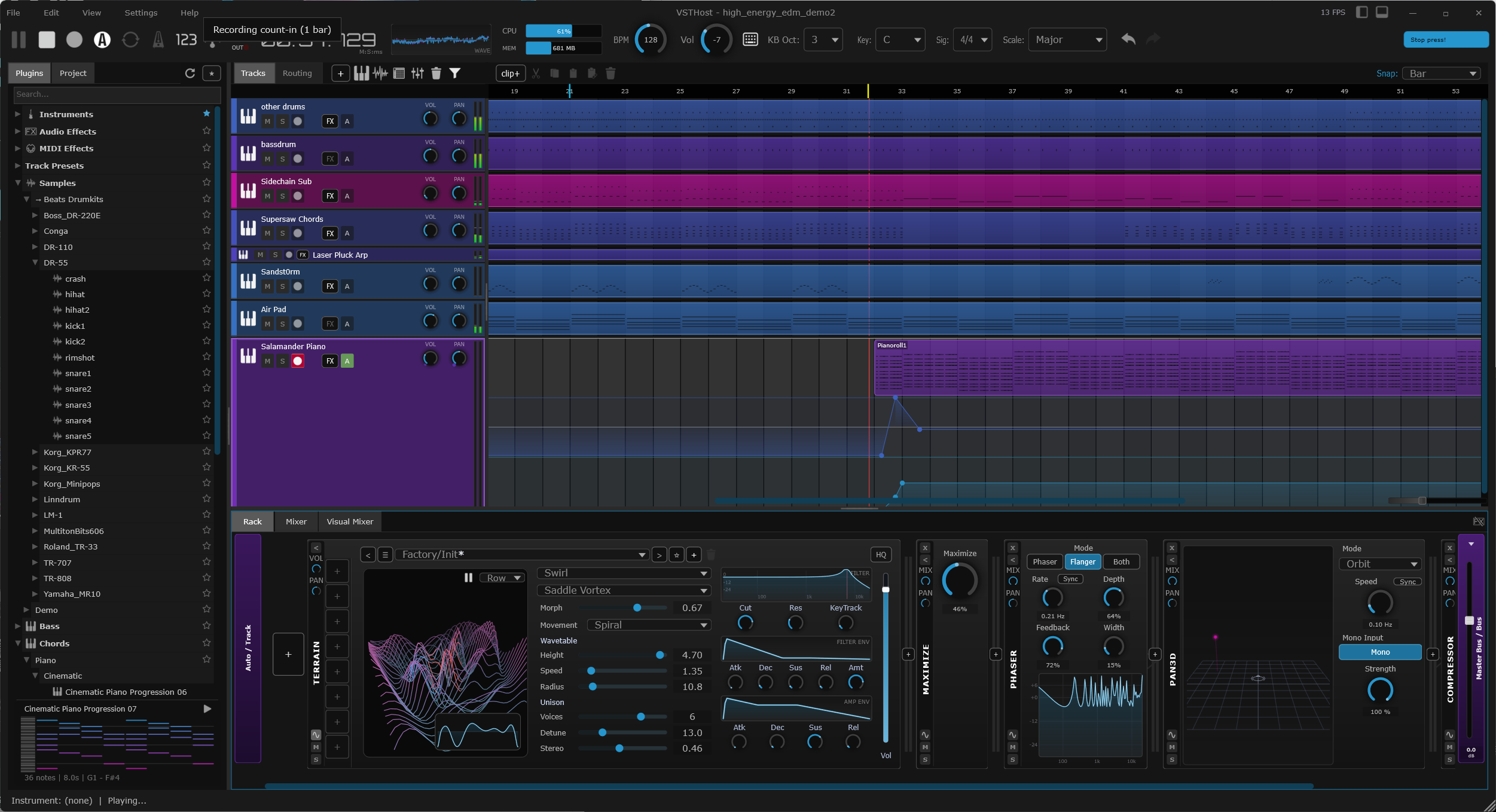
A short look at the app working — building a beat, adding sounds, and putting a song together. No talking, just the app.
Notes, audio recordings, and drum patterns all live on the same timeline. Double-click any clip to open the right editor for it.
Draw notes on a piano-style grid, choose how loud each one is, and let the editor highlight the right scale. Type with your computer keyboard if you don't have a piano controller.
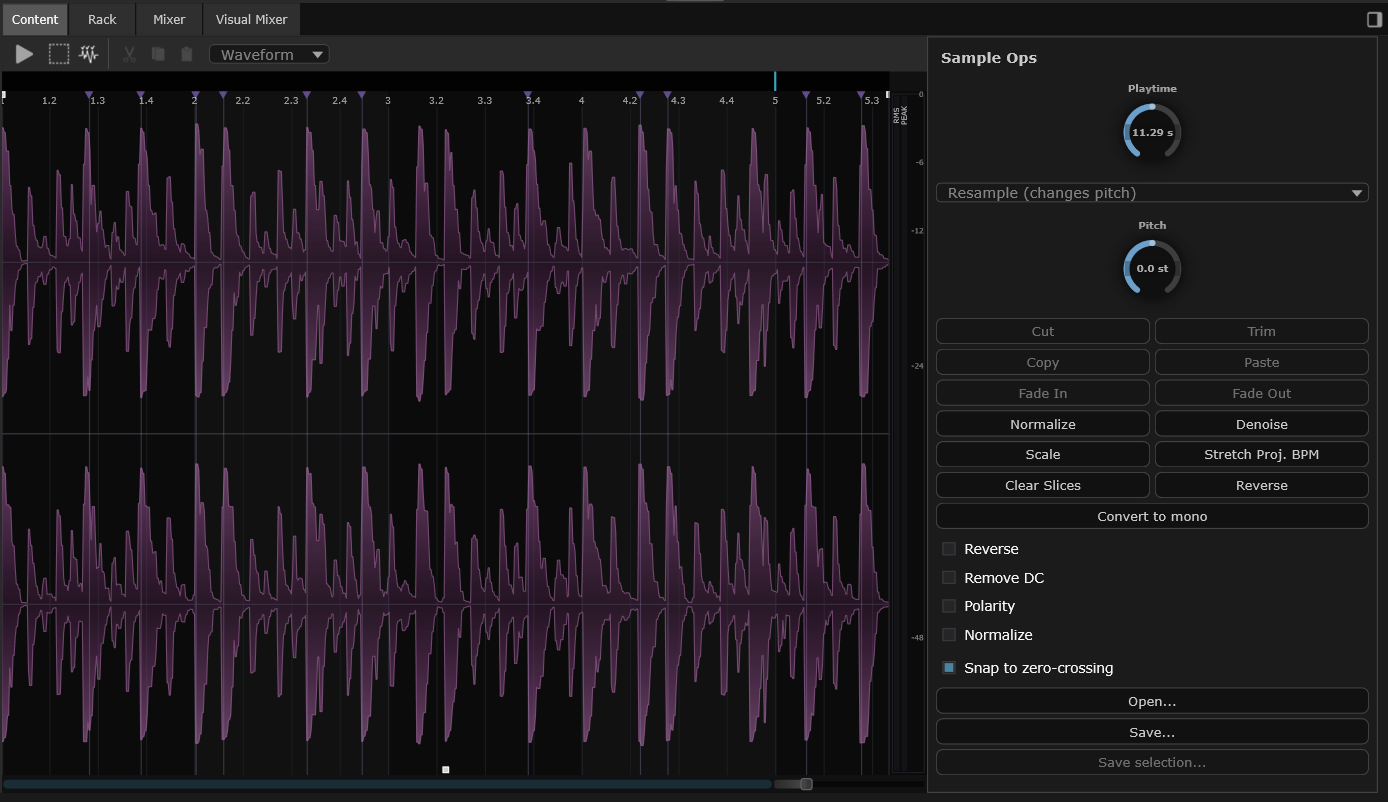
Browse and preview audio files, drag them onto the timeline, then trim, fade, or loop. You can even split a recording into separate parts — like pulling vocals out of a song — onto their own tracks.
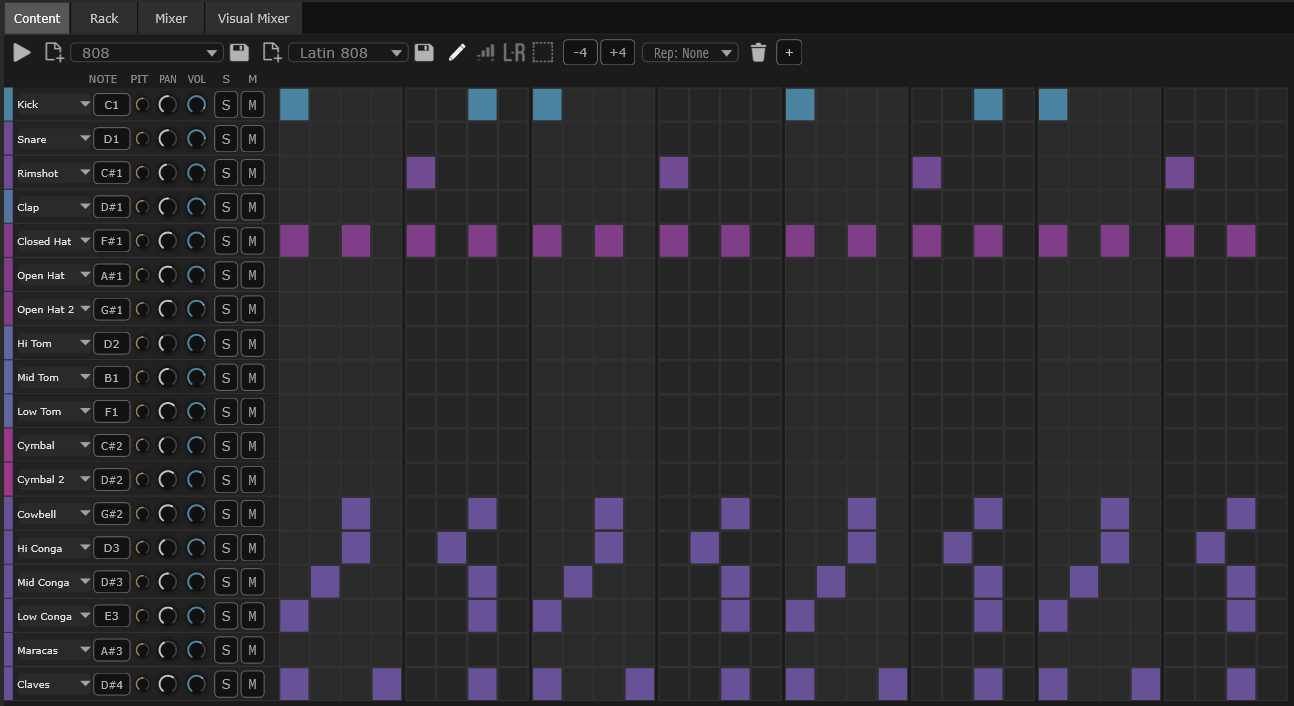
Tap out drum patterns on a grid. Choose how loud each hit is and where it sits in the speakers. Combine beats with melodies, recordings, and the rest of your song.
Every track has a rack — a left-to-right chain you fill with MIDI effects, an instrument, and audio effects. Drag modules around to change the order. The signal flows through whatever you put there.

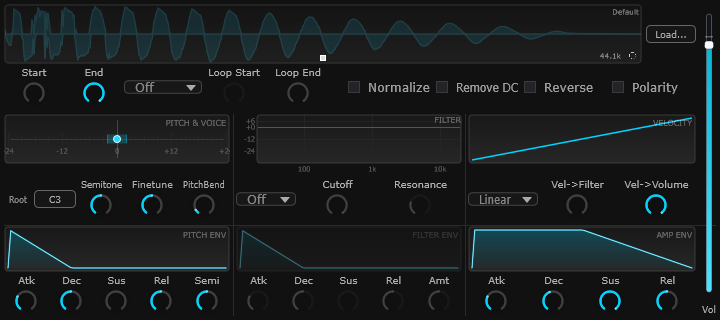
Open the browser, drag one onto a track, play. You get real recordings of a piano, drums and orchestra, plus a set of synths for original sounds — so you have something to play from minute one.
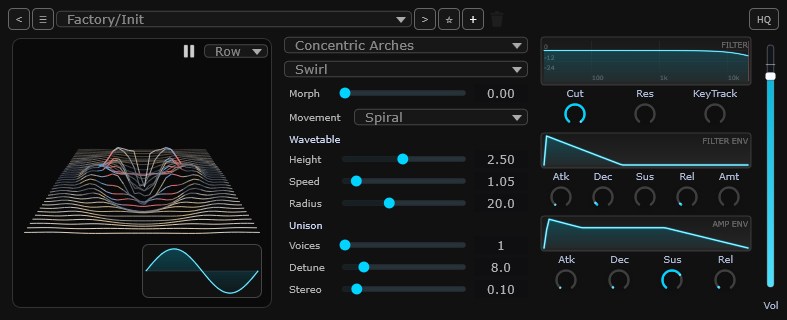
A synth that builds its sound by tracing a path across a moving 3D landscape. Great for evolving, otherworldly tones.
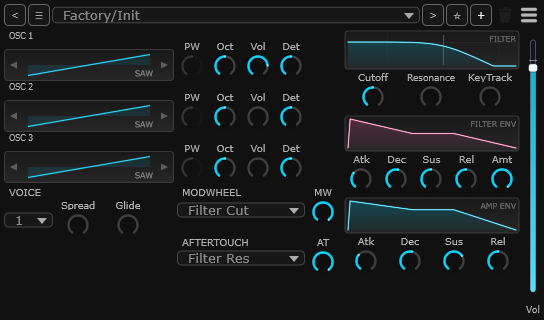
A classic synth for leads, pads, basses and arpeggios.
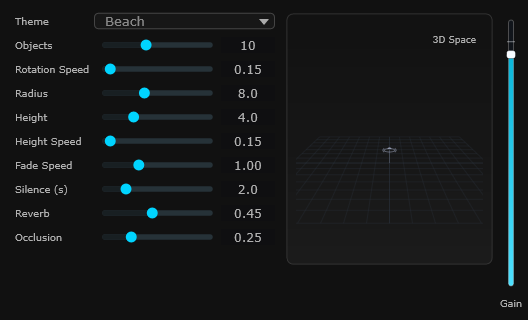
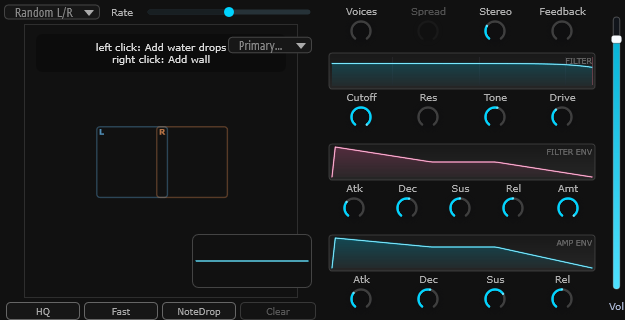
Slowly-evolving textures that never quite repeat. Perfect for backgrounds and atmosphere.
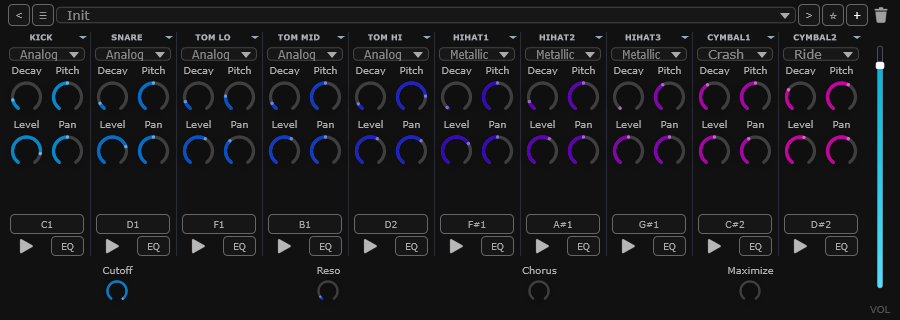
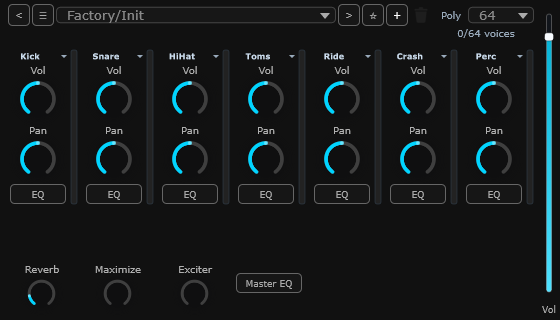
Punchy electronic drum sounds — kick, snare, tom, hi-hat, cymbals — generated from scratch instead of recordings.
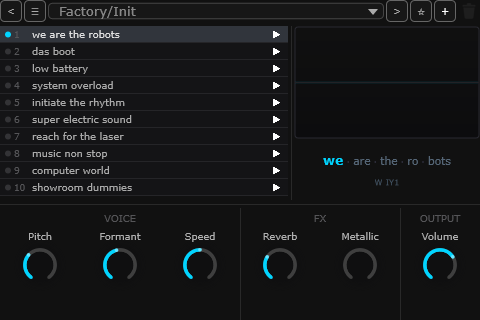
A synthetic voice that sings short phrases. Great for talk-box-style hooks.
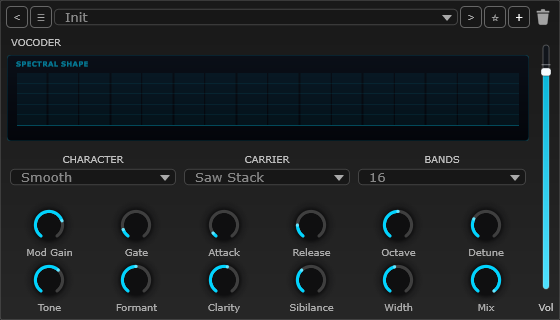
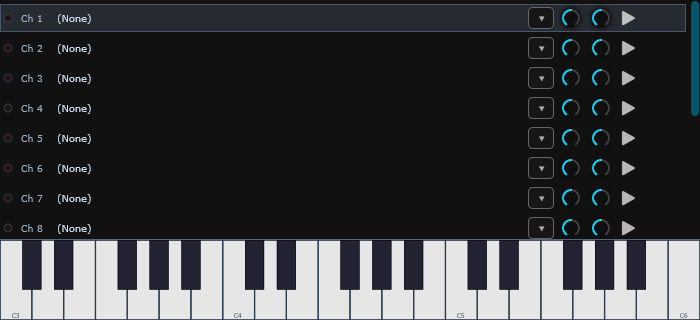
Sing or talk into it and a built-in carrier turns your voice into a playable, robotic instrument. Classic vocoder hooks and synth-choir pads, with formant and band controls.
Terrain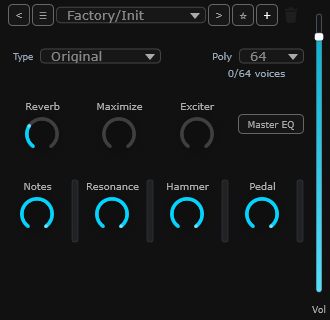 PianoSyna
 DrumsAmbient
 OrchestraRobot
 Sampler
 WaterAnalog Drums
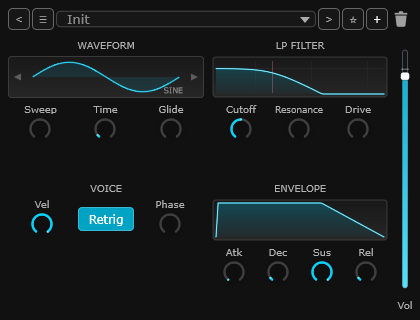 SubVocoder
→ Piano, Drums and Orchestra include extra sound files in the full download.
Built-in effects for making your tracks louder, warmer, more spacious, more distorted, or just easier to see. Use them on any track, or on the whole mix.
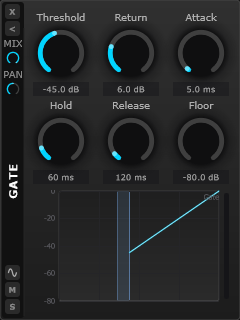 Gate
Gate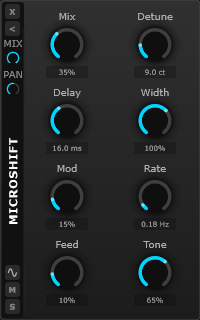 Microshift
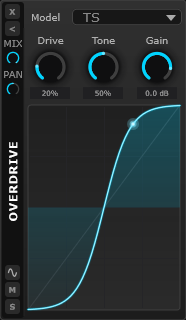 Overdrive
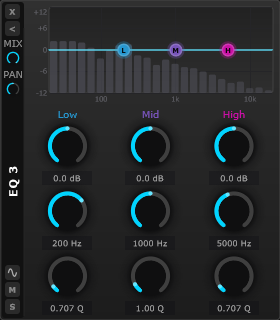 EQ Curve 3
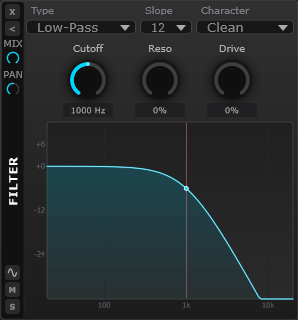 Filter
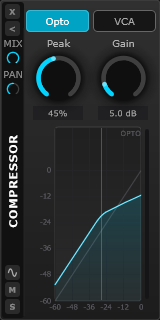 Compressor
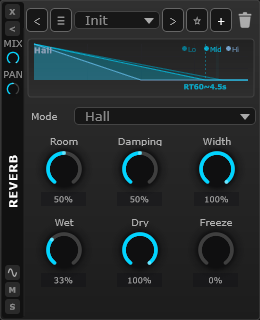 Reverb
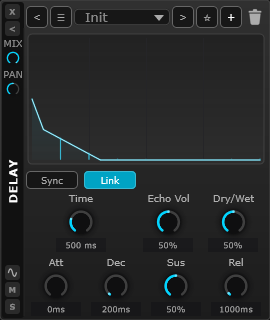 Delay
Delay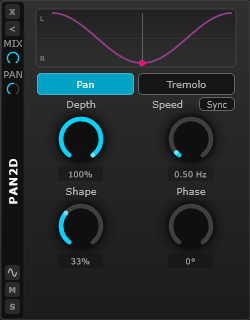 Pan 2D
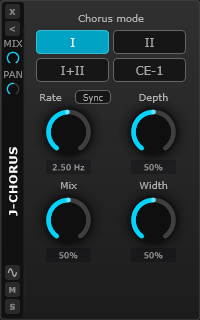 J-Chorus
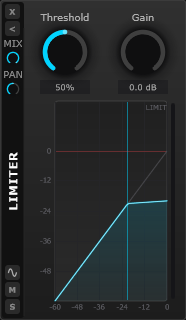 Limiter
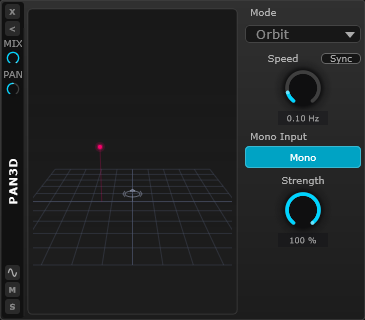 Pan 3D
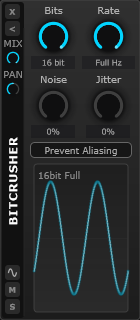 Bitcrusher
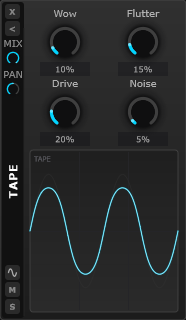 Tape
Tape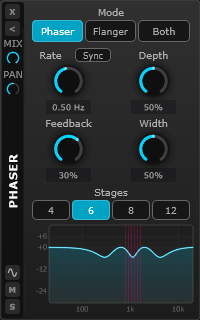 Phaser
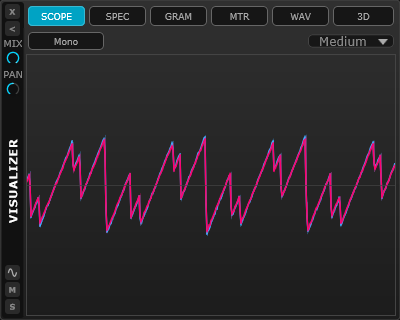 Visualizer
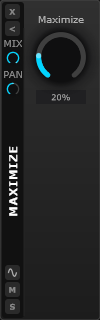 Maximizer
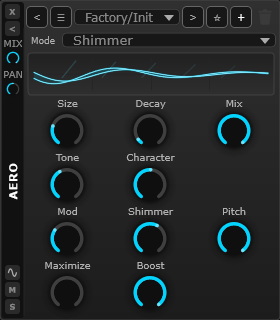 Aero Reverb
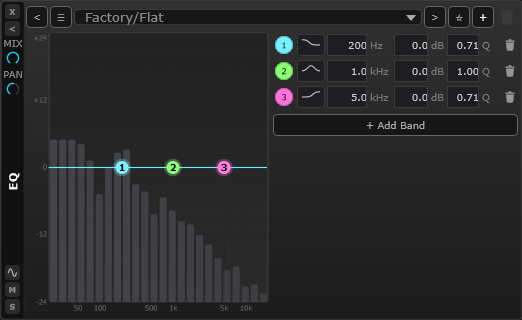 EQ Curve N
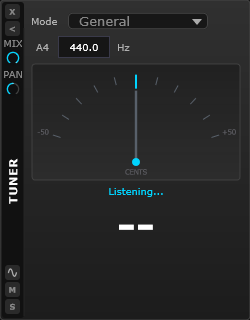 Tuner
Tuner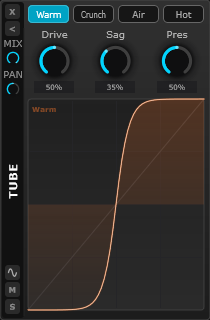 Tube
Tube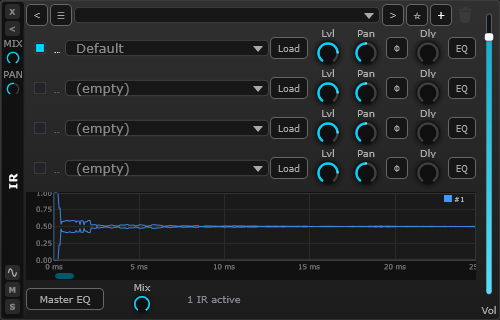 Cabinet IR
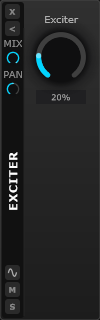 Exciter
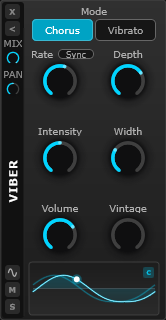 Viber
Viber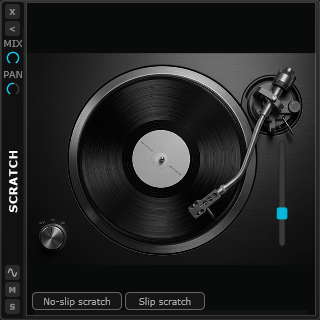 Scratch
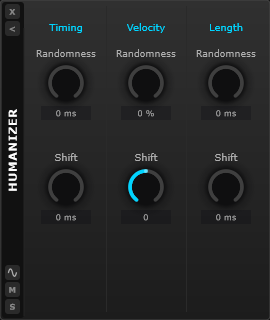 Humanizer
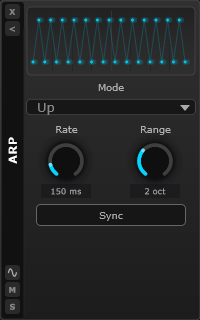 Arpeggiator
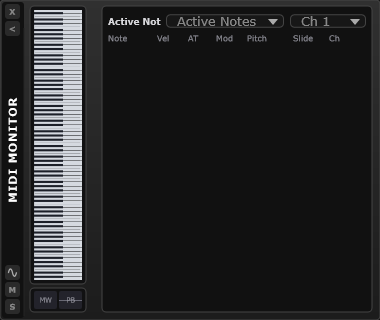 MIDI Monitor
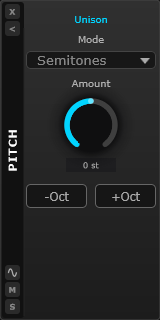 Pitch
Pitch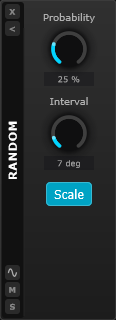 Random
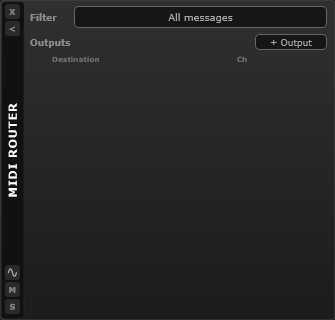 MIDI Router
SANDYNE includes a built-in web interface. Open the page in any browser — phone, tablet, another laptop — and you can watch what's happening, record notes and audio, and tweak the mix without sitting in front of the main computer.
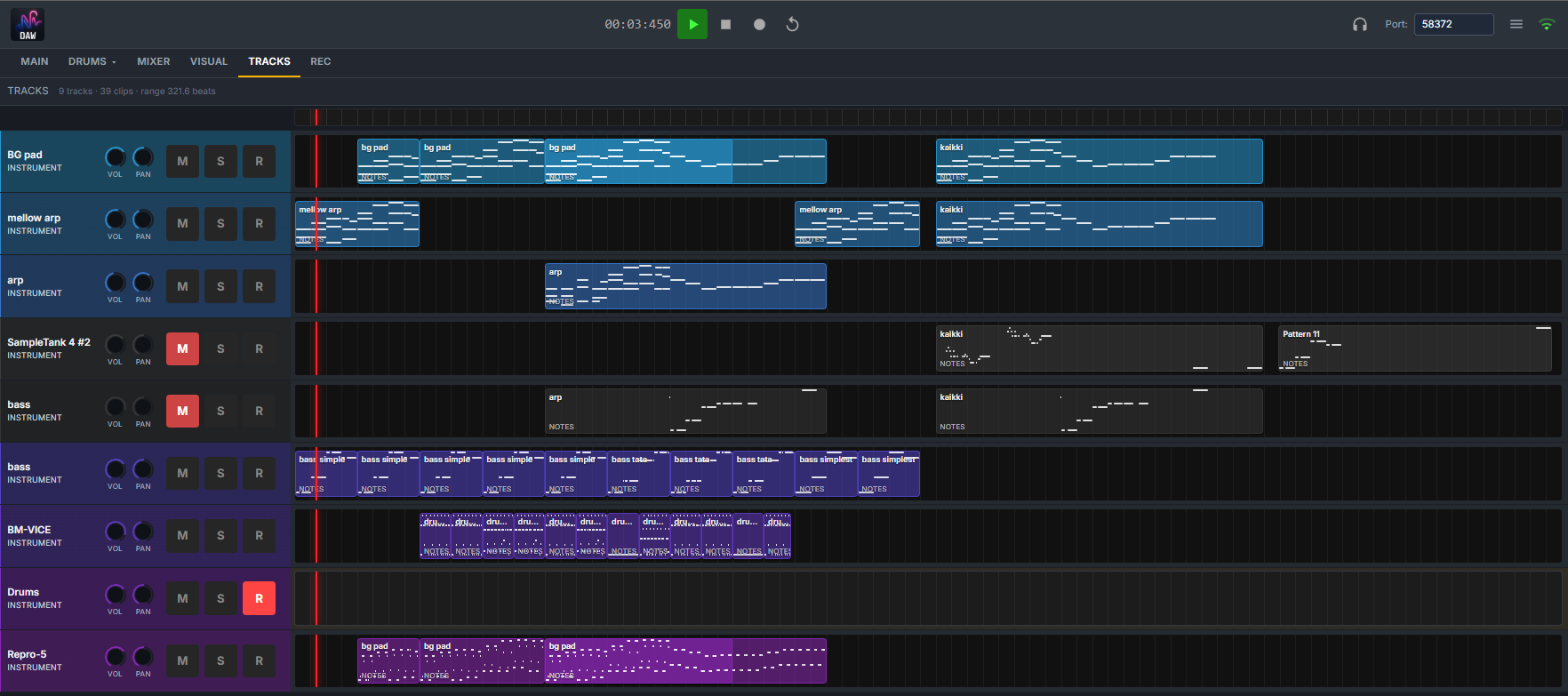
See what's playing, scroll the timeline, switch between tracks, mixer, and visualizer views — all in a browser tab.
Record notes and audio from your phone or tablet. Useful for capturing ideas while you're holding an instrument.
Mute, solo, volume and pan all work remotely. Set a balance from across the room without leaving where you're listening.
→ The web interface is limited compared to the desktop app — it's for monitoring and capture, not deep editing.
SANDYNE has the classic vertical-fader mixer most music software uses, and a 2D Visual Mixer where every track becomes a marker on a stage. Use either, or both — they edit the same mix.
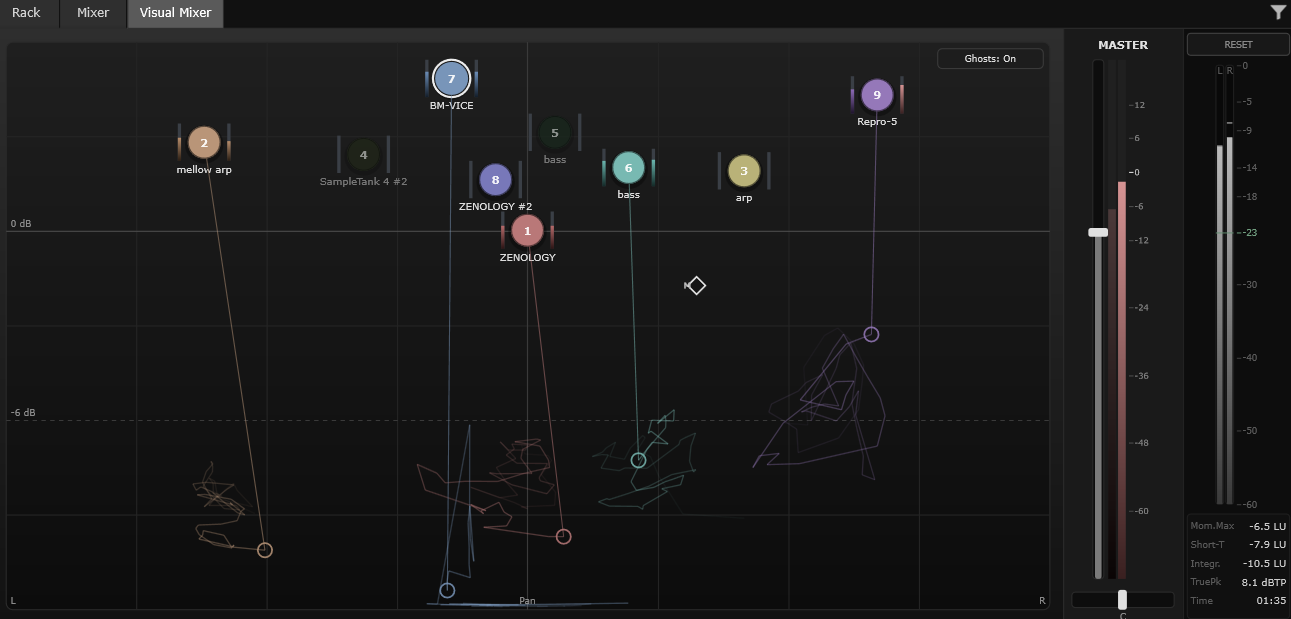
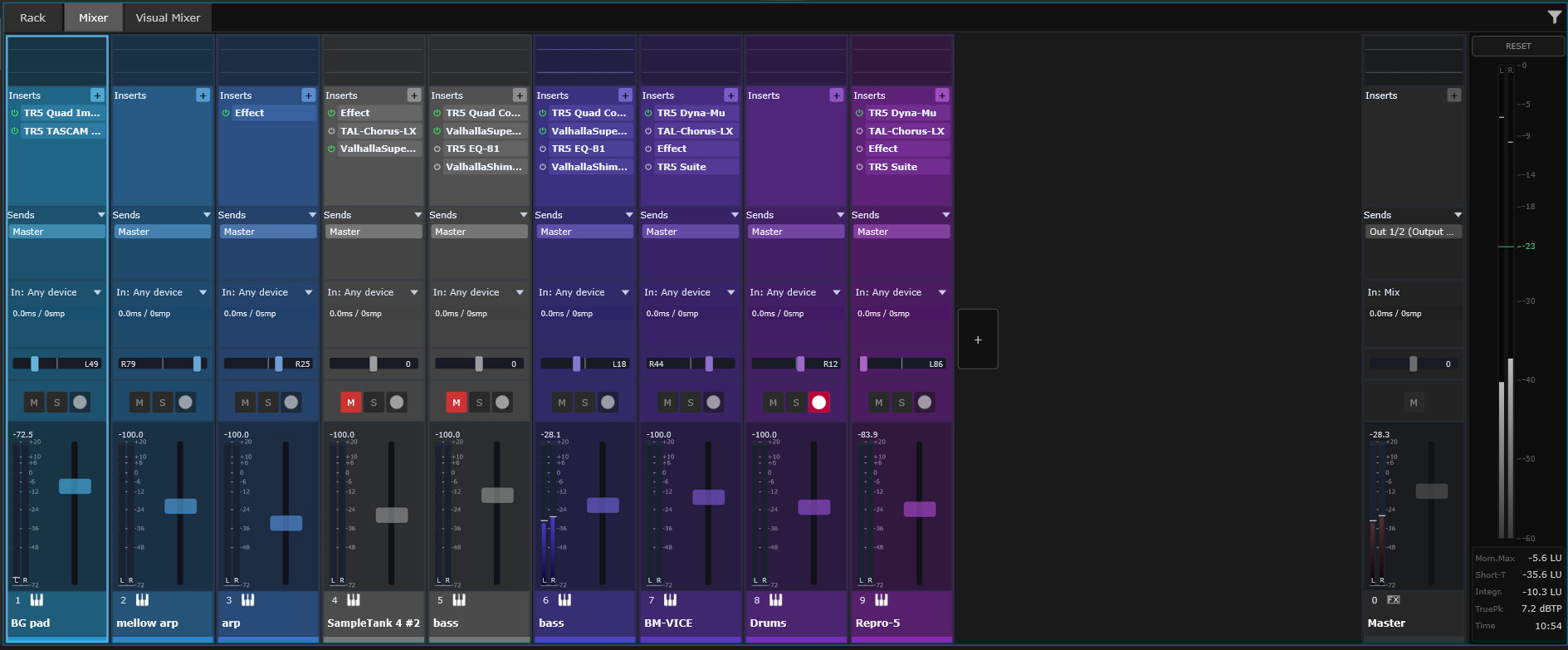
A mix sounds more alive when things move over time. SANDYNE gives you two ways to do that: recording a move once and replaying it, or letting a knob wobble on its own. Every knob shows both at a glance.
Press REC, touch any control, and perform the move. From now on, the same change happens automatically every time you play the song. Works on any knob — built-in or in your own plug-ins.
Set a knob where you want it, then attach a slow sweep, a beat-following pulse, or your own pattern. The value you set stays put while the sound moves around it. Great for filter sweeps, wobbles, and anything that needs to feel less robotic.
The inner ring shows the value you set — what gets saved with your song. The outer ring shows the value you actually hear, including any movement. You can see both at a glance.
Plug-ins are extra instruments and effects you can install into music apps. If you already have some in the VST3 format, drop them in — they work just like the built-in ones. Save your song and everything comes back exactly as you left it.
Save the whole song, just a section, or each track on its own (handy for sharing with someone who'll mix or master it). Pros can also drive everything from a terminal.
SANDYNE is free. Bring your plug-ins, your samples, your controller — or just start with what's built in.